
Your scattered life, in one view
Put to-dos, events, notes and maps on one board. See what you want to do, what you need and how far you have come together.


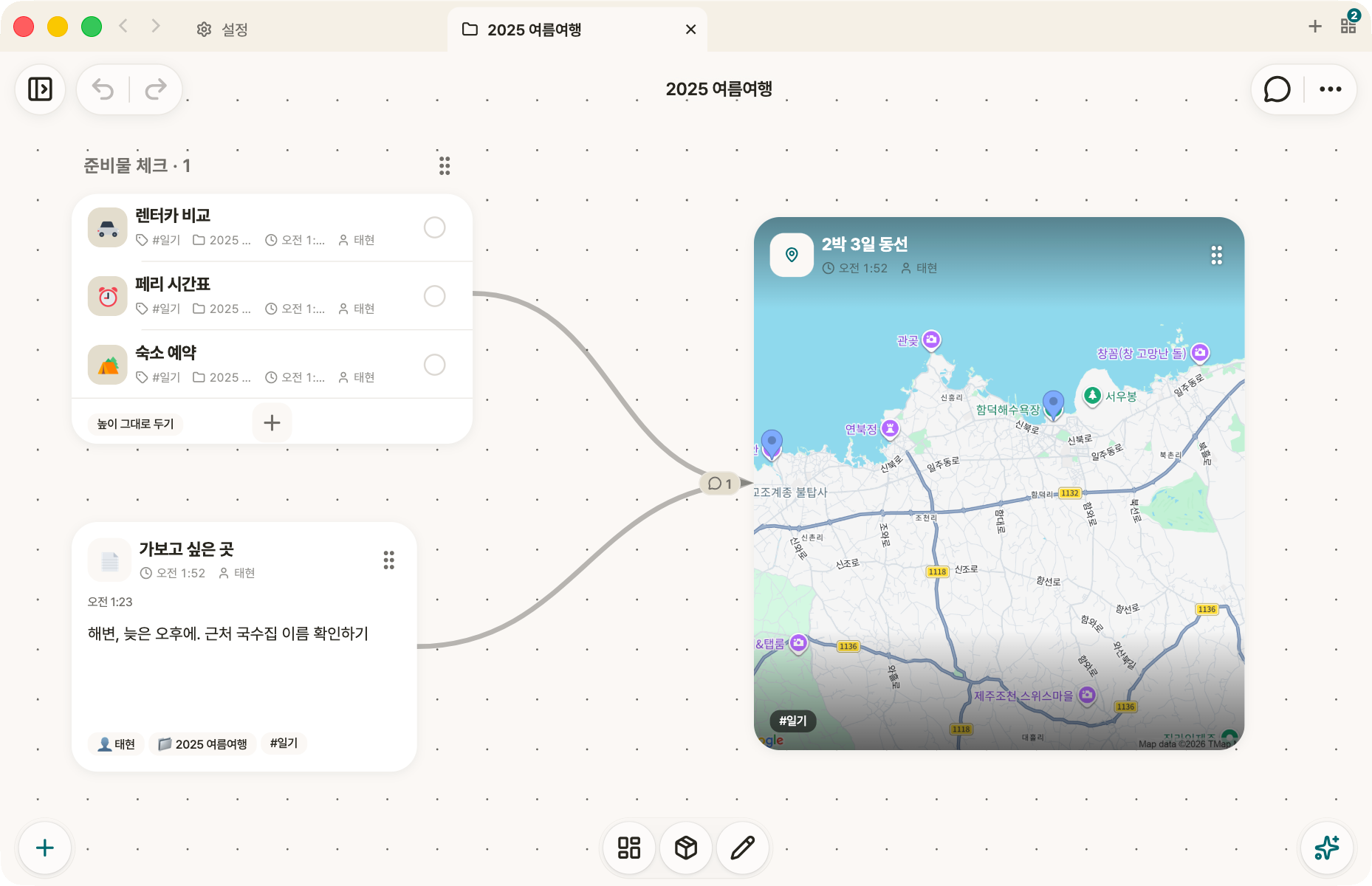
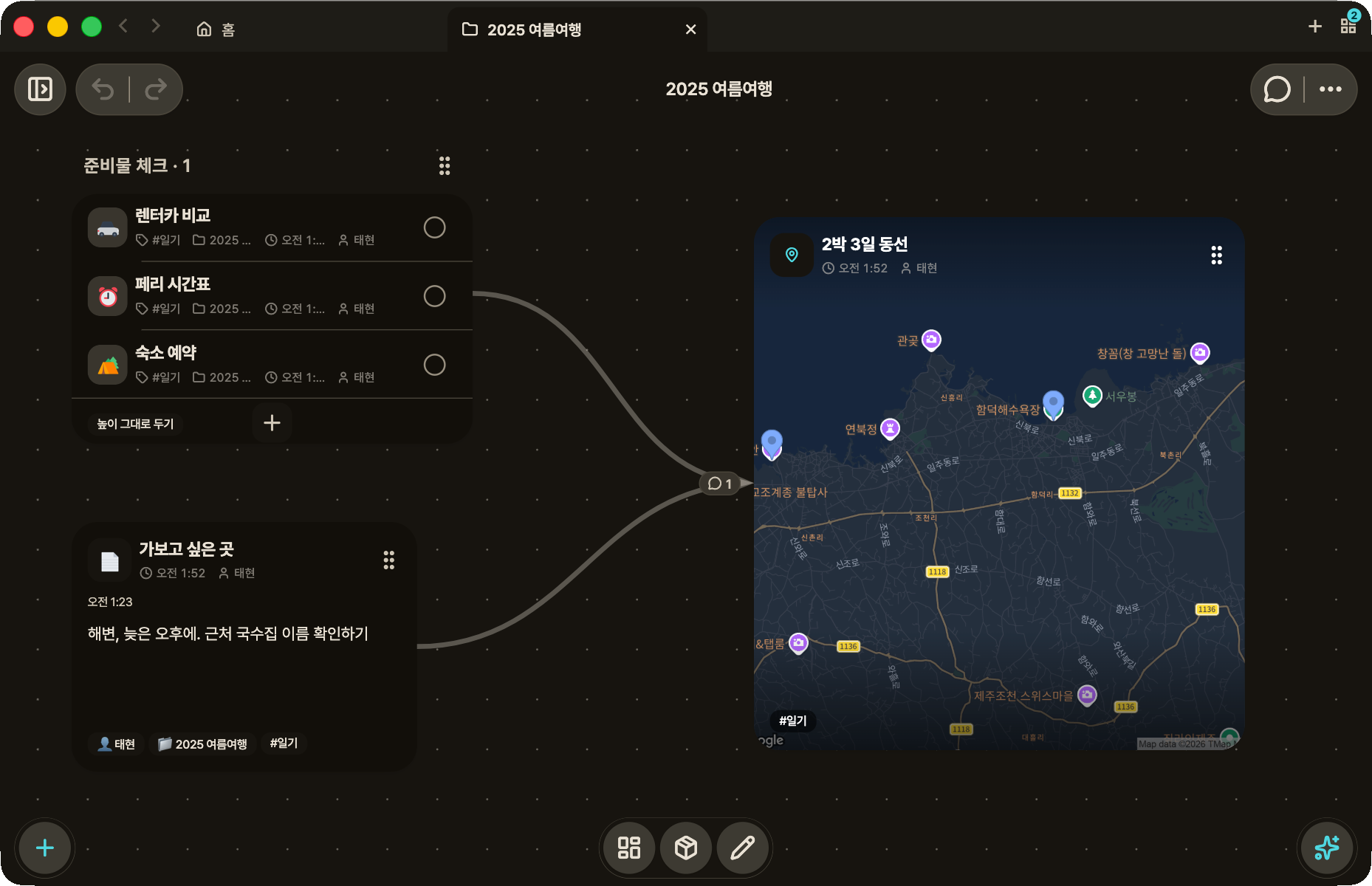
What is ahead and what is behind, both in view
Use Odyssey60 to plan and act, and Odyssey30 to look back. Keep today's tasks and the memories you choose in the same app.
Odyssey60
Plan + LogThe forward-looking mode. Lay out today and this week, and see the days behind you on the timeline.

Odyssey30
Reflect + ShareThe backward-looking mode. Choose what to keep from the time you have gathered and lay it out on one page.
A goal made of many pieces becomes clear once it is spread out
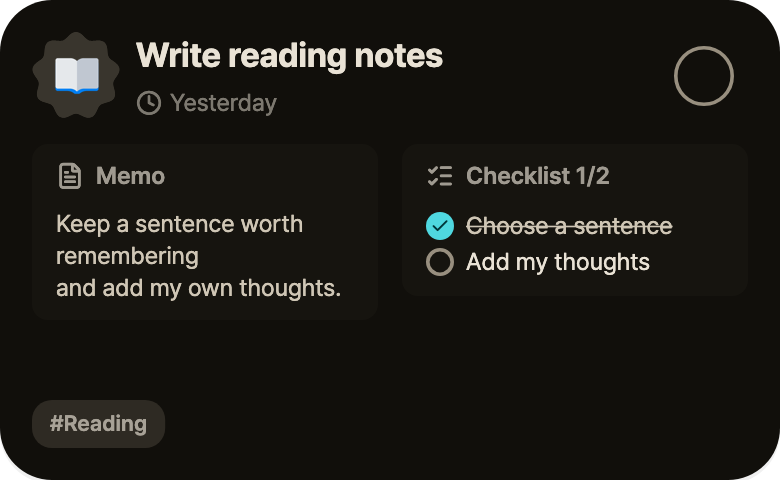
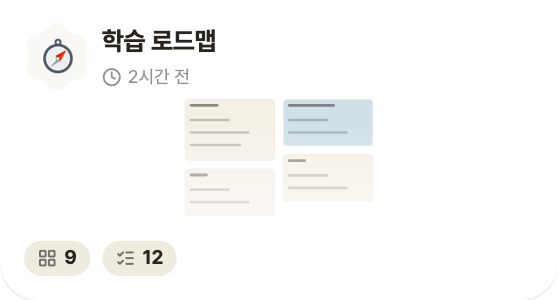
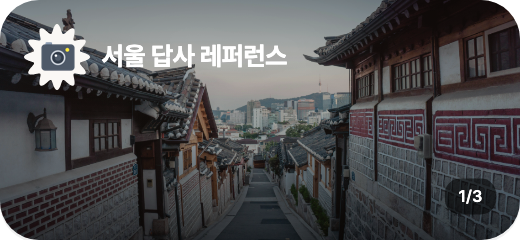
Connect to-dos, notes, routines, logs, maps and images on one board. Keep your thoughts and materials together so you can return to a trip plan or a new project.
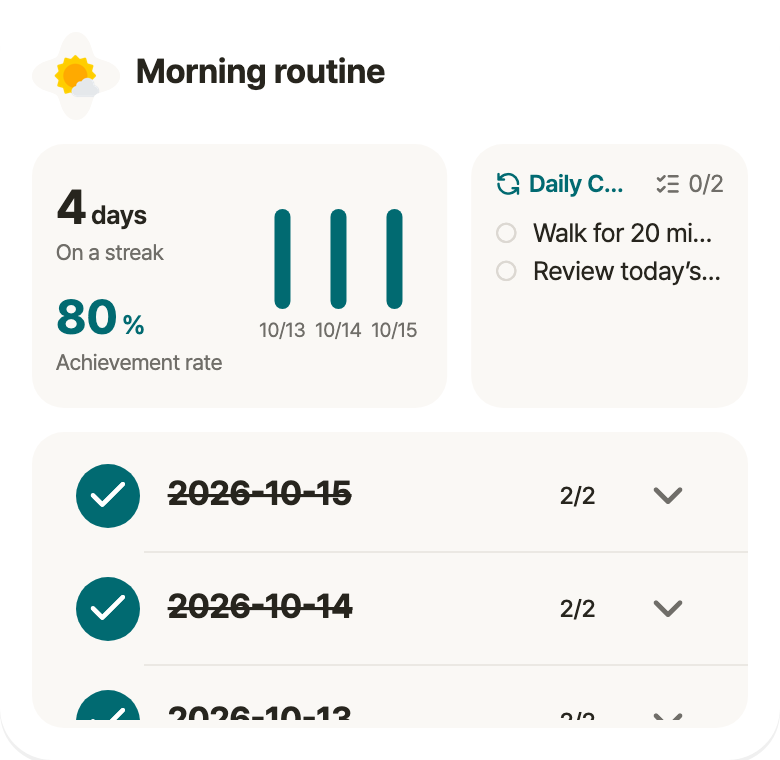
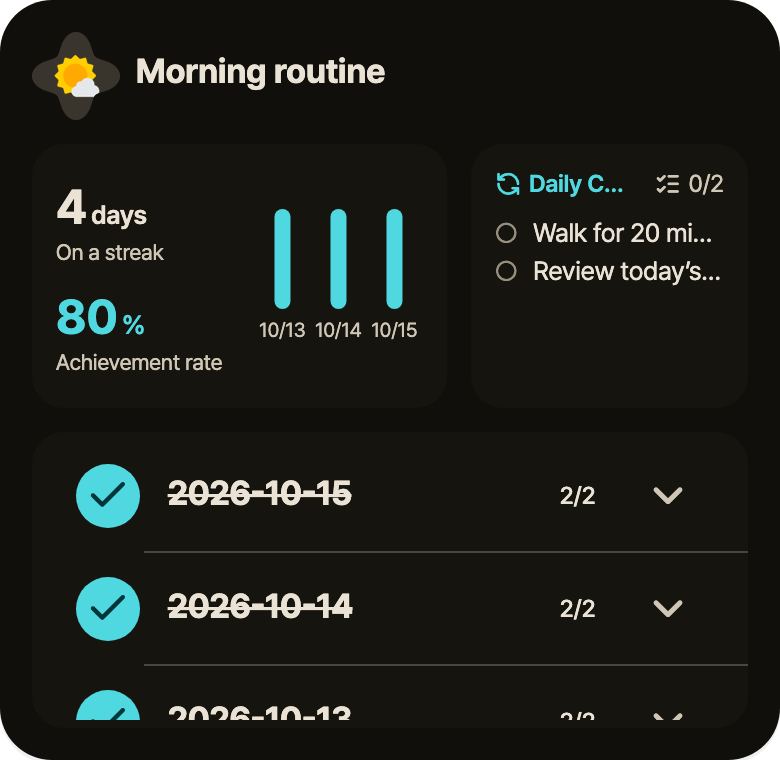
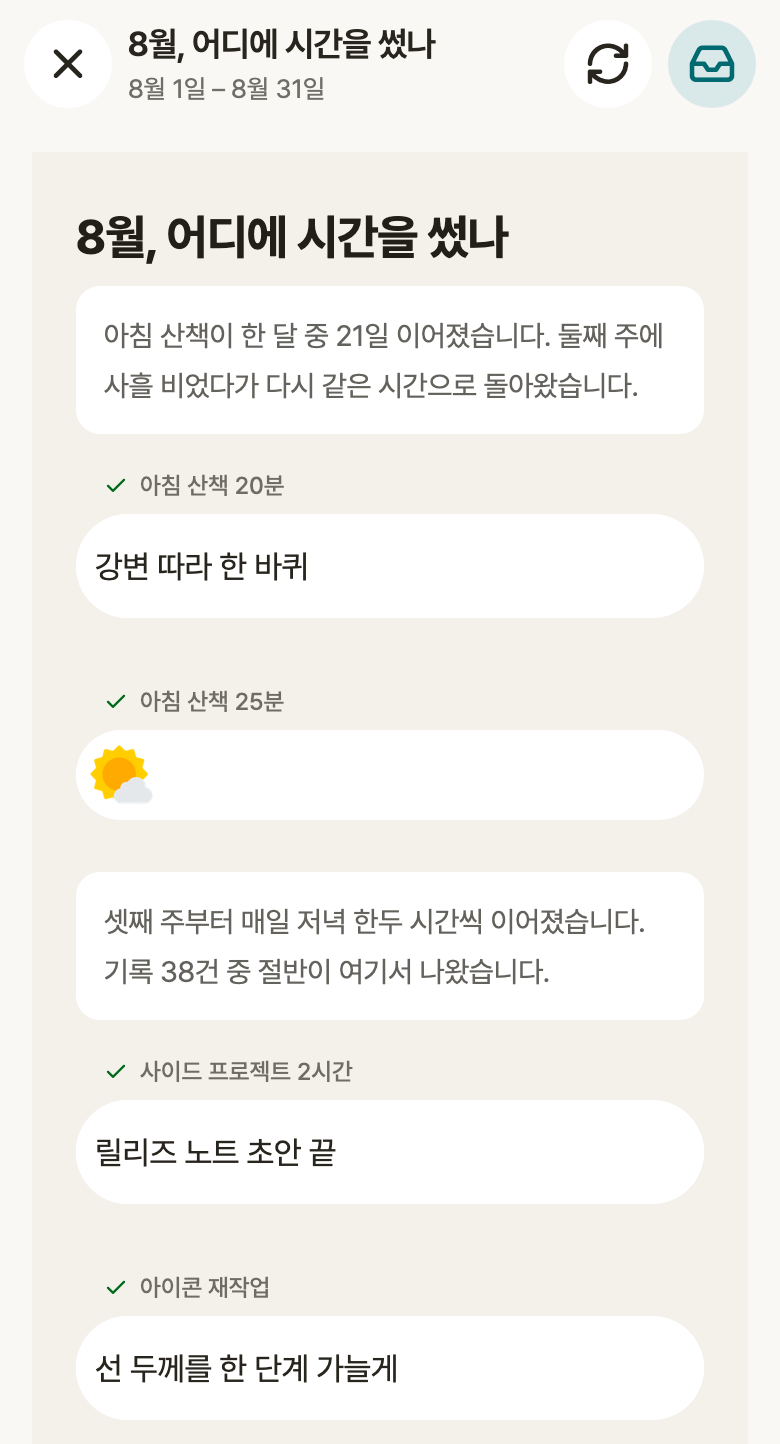
Last month, in numbers and sentences
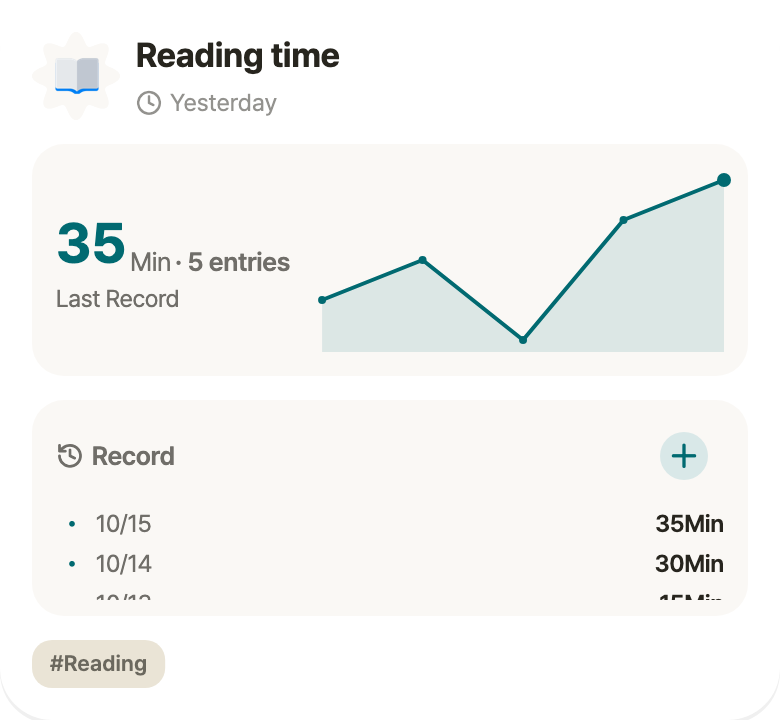
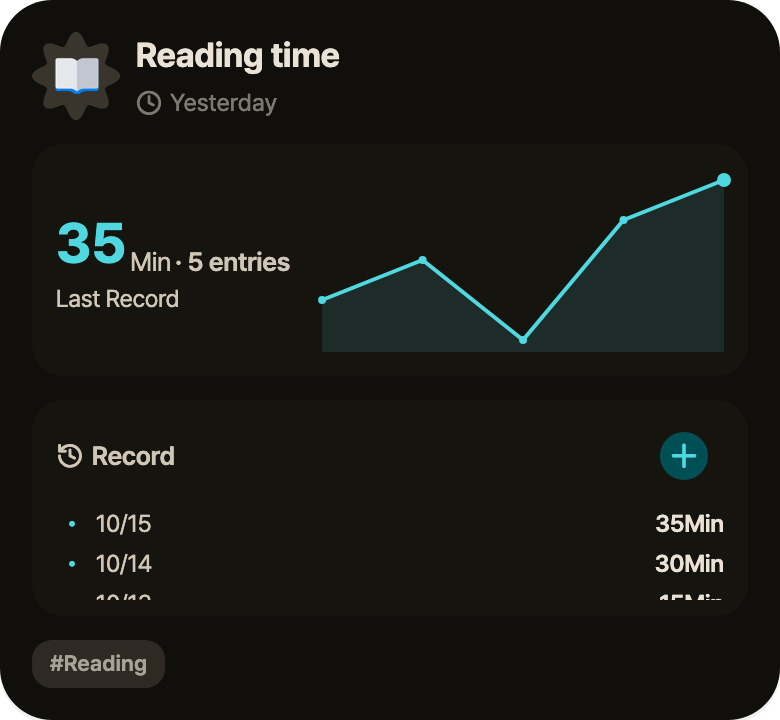
Find completed tasks and records on your timeline. Choose a period and topic for a report, and check the records behind it. Pick the moments you want to keep and turn them into a snapshot.
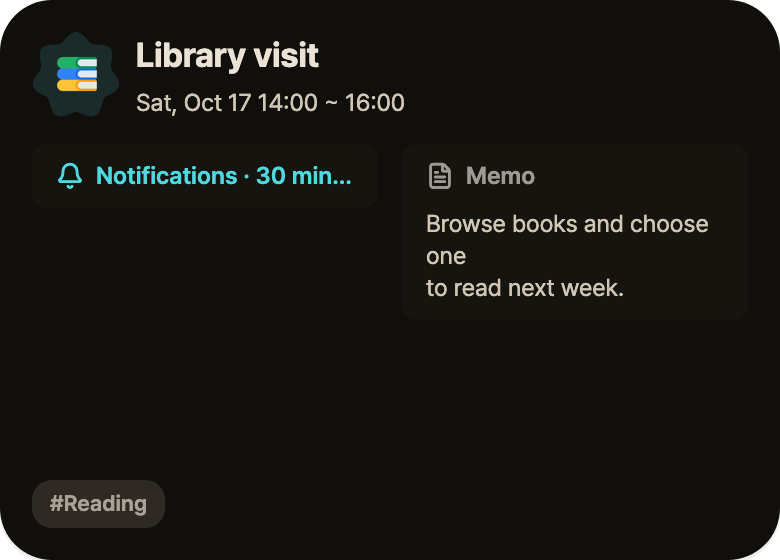
Your record should match your real day. Check it late and it still counts for the day you did it.
The items on your boards, also in your lists
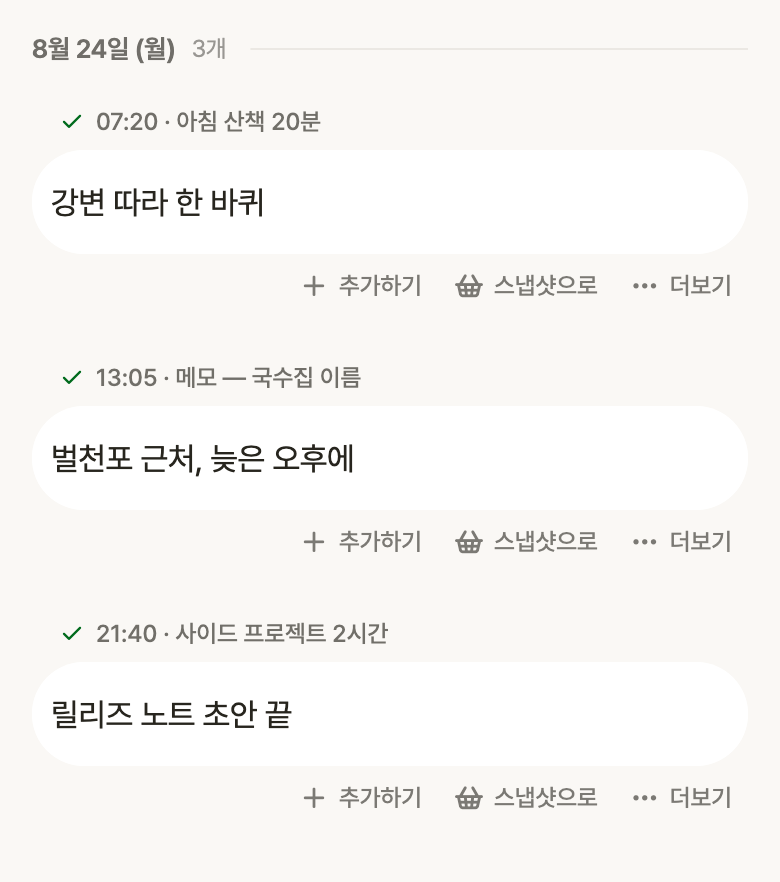
To-dos, notes, logs and routines you dropped anywhere on a board also live in their own lists. Each row shows the project it came from, and the views you check often can be pinned and opened in one tap.
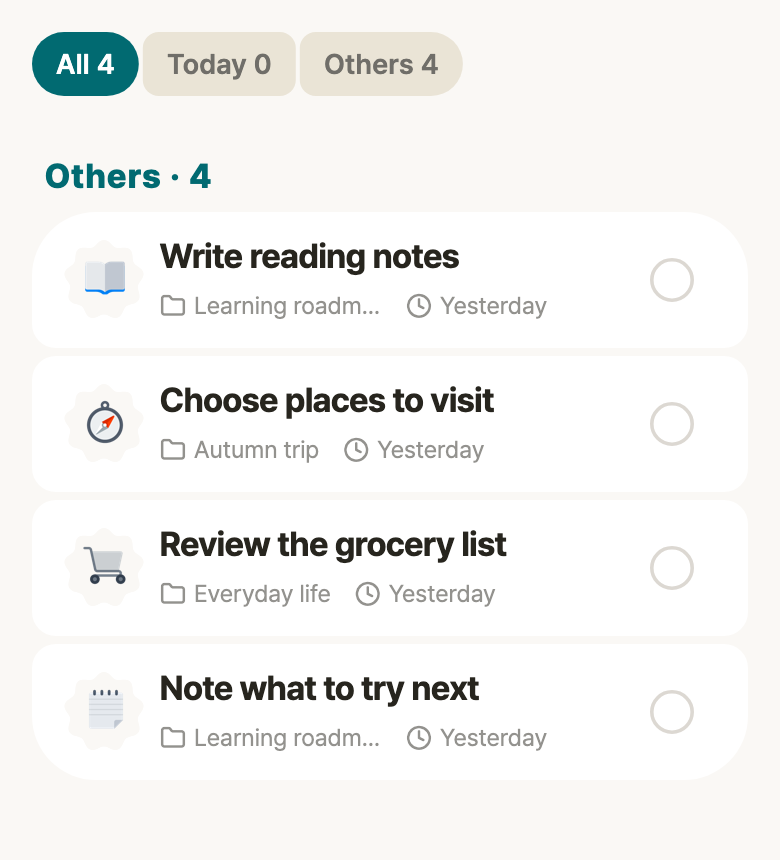
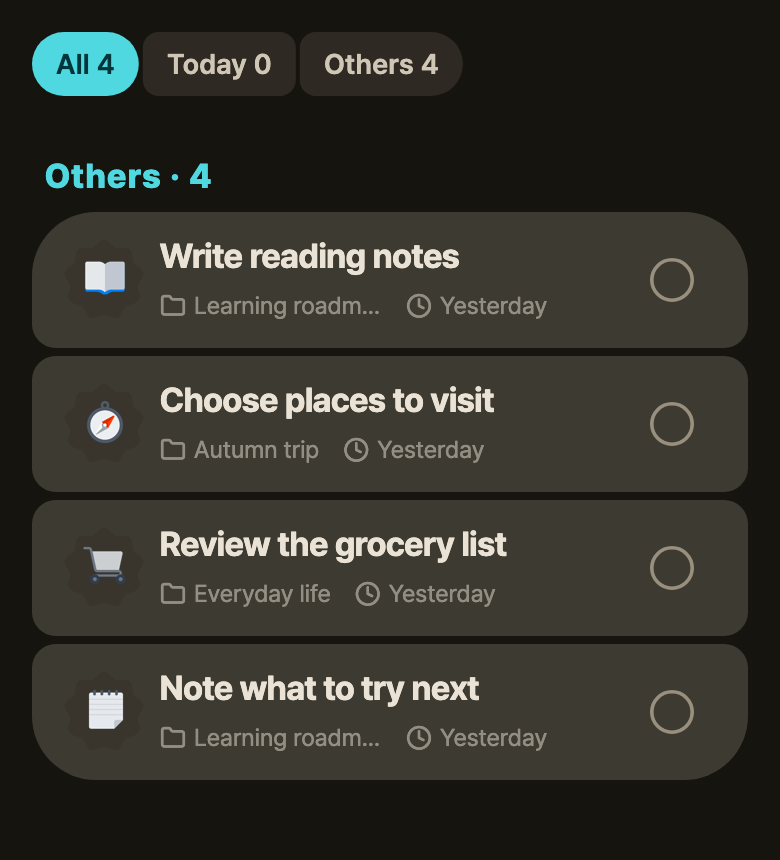
App preview · sample content
From the time you gathered, you choose what stays
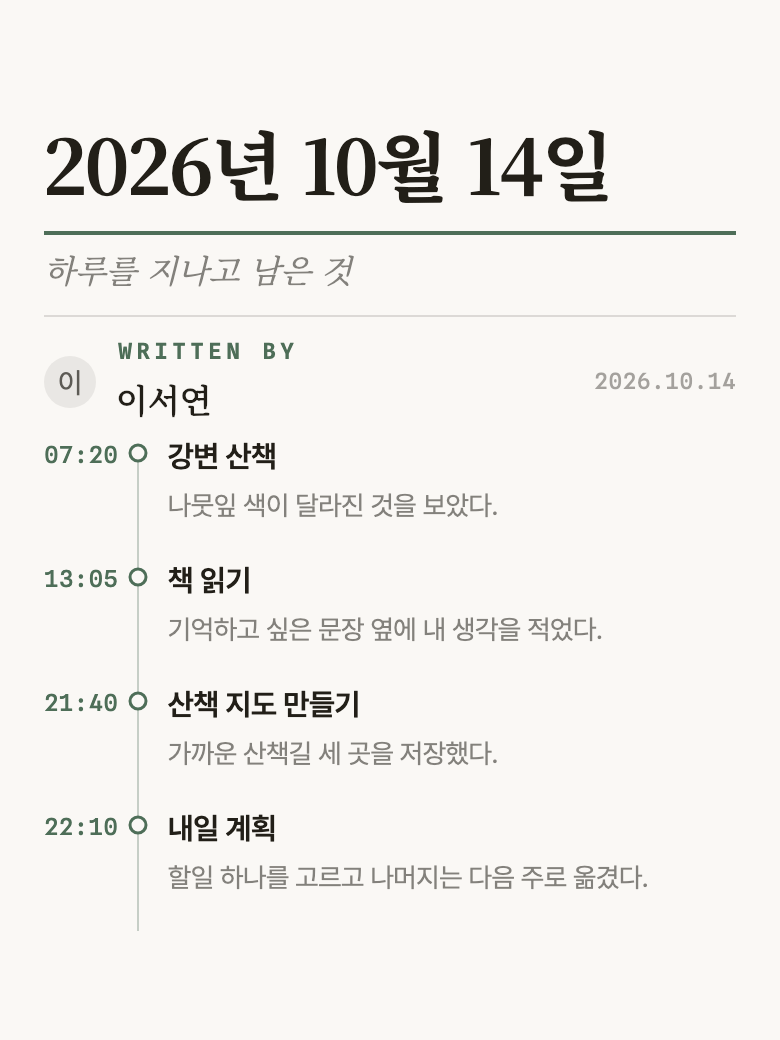
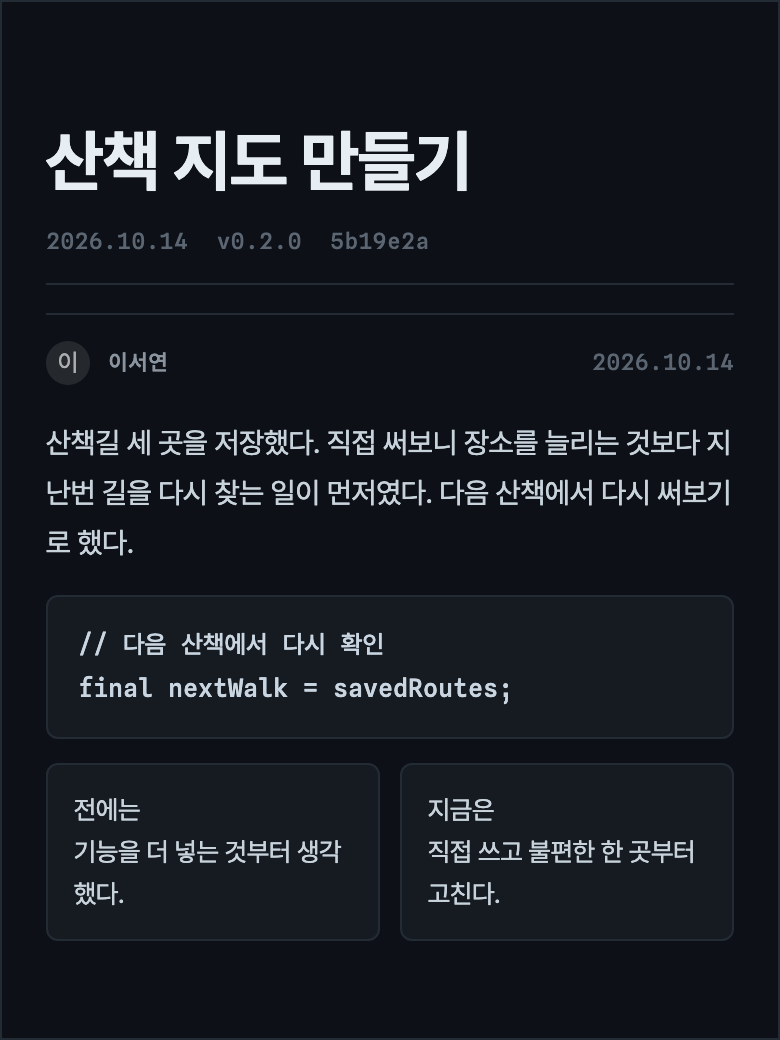
Bring together the thoughts and moments you want to keep in words, photos and records. Choose from 22 page layouts, write your own page and collect it for another day.
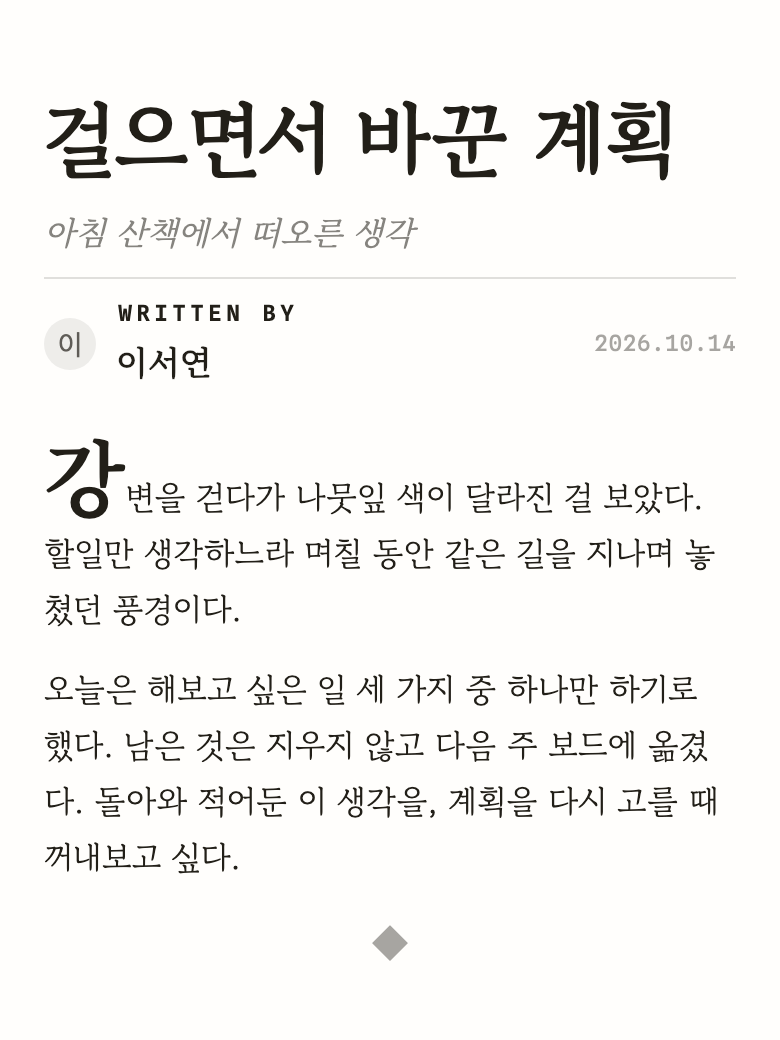
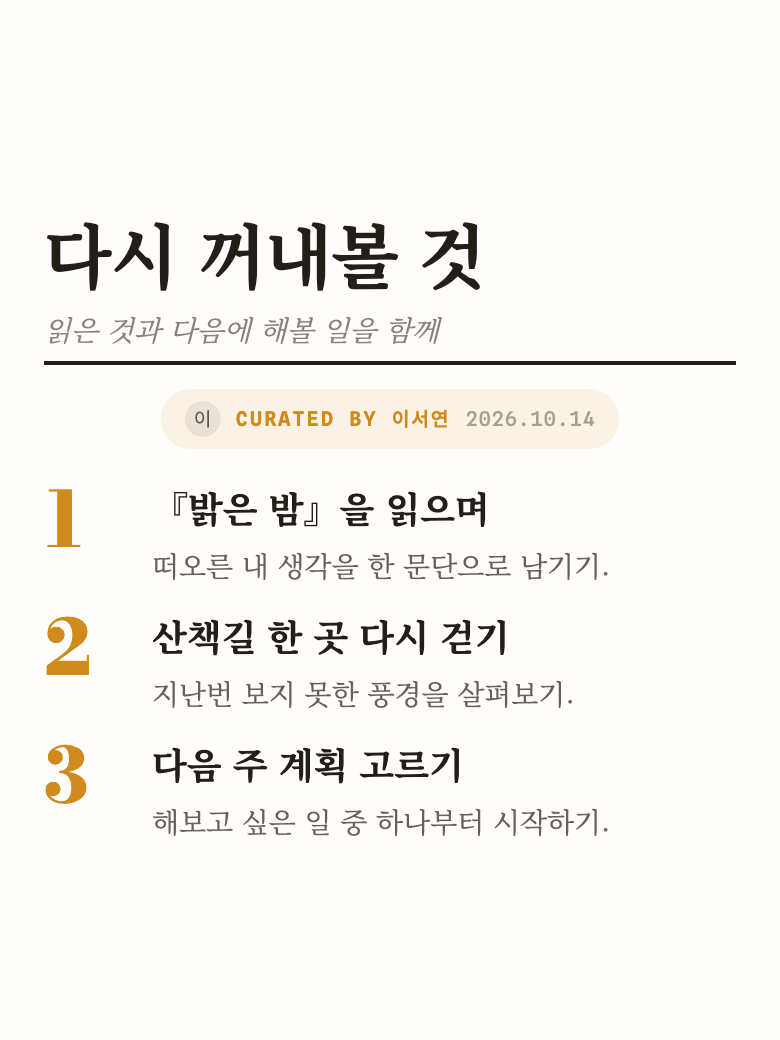
For binding a few weeks of records into one piece of writing. The page stands on words alone, no photo needed.
For leaving behind what you built. Version and commit sit in the masthead and the code prints as it is.
For counting up the books you read, the places you went, the things still to do. The page numbers the rows.
You decide, the companion carries it out
Talk with the companion about the board and items you are viewing. Find, create and edit what you need, with permissions you set for reading, creating, editing and deleting.
Set a persona and the way it speaks changes to match.
Add the tasks you need to the board you are viewing, then find and organize the connected materials.
Connect Odyssey MCP to read and organize your boards and items with an external AI.
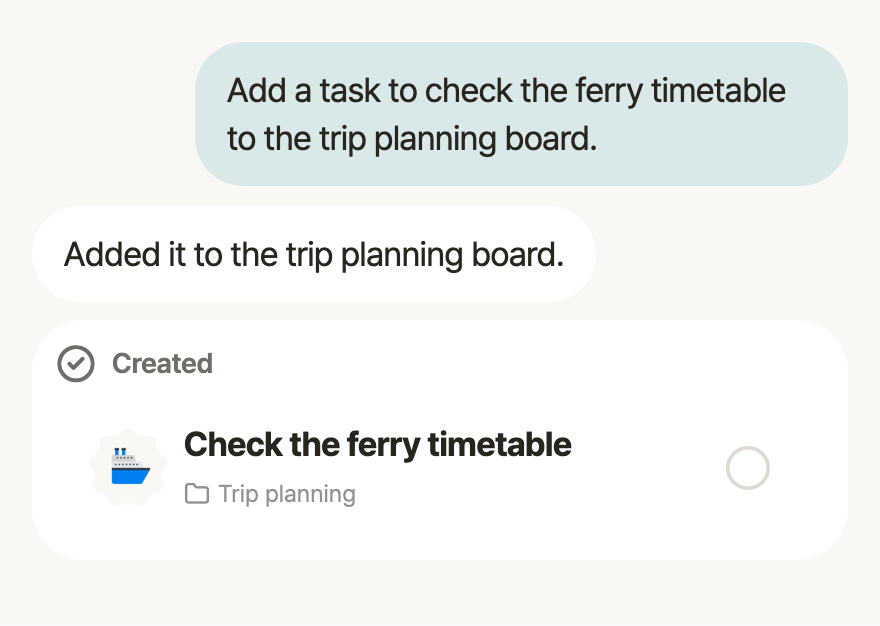
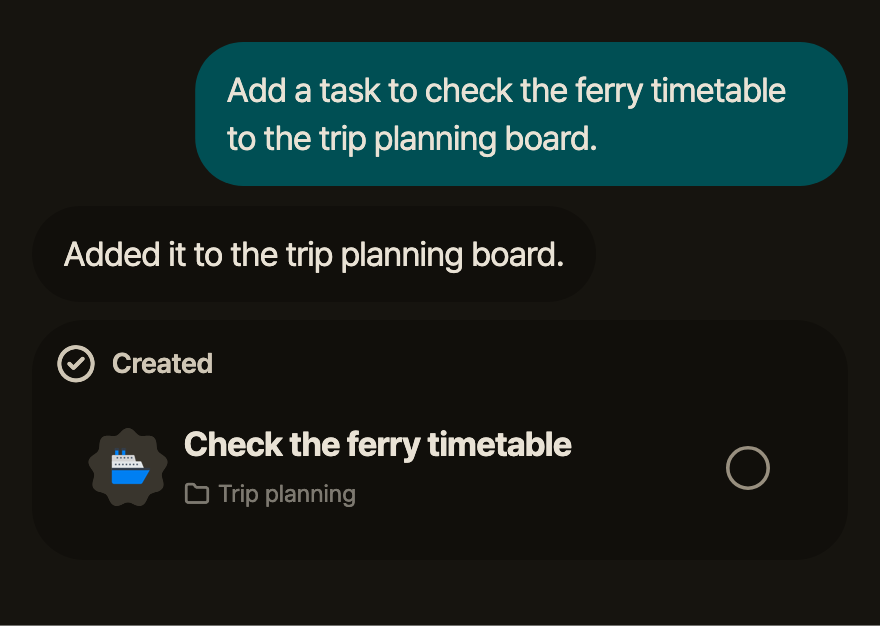
App preview · sample content
Just knowing where you stand is what changes people
“At first I meant to build a habit app. But using it myself, I realised something: just showing "you did this much today", plainly, was enough — over time people adjust on their own and grow steadier. Making the plan was already the effect. That is why Odyssey's routines never scold you.”
See what you did, then decide what comes next.
You can check yesterday’s work today.
The timeline only shows.
Everything you already use is still here
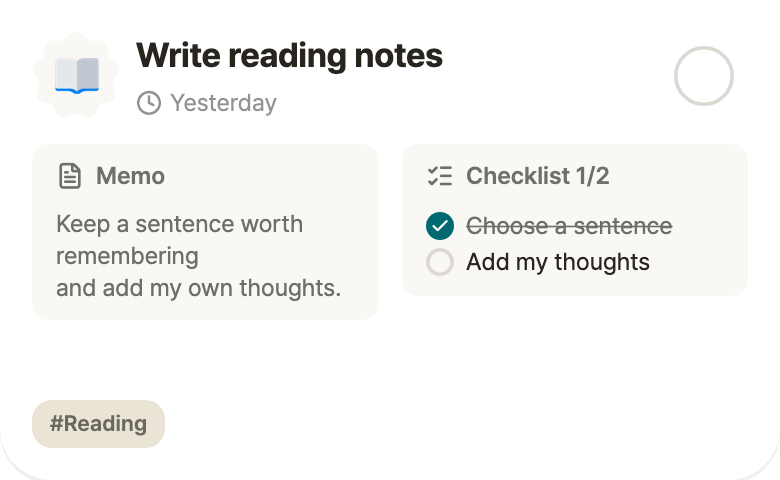
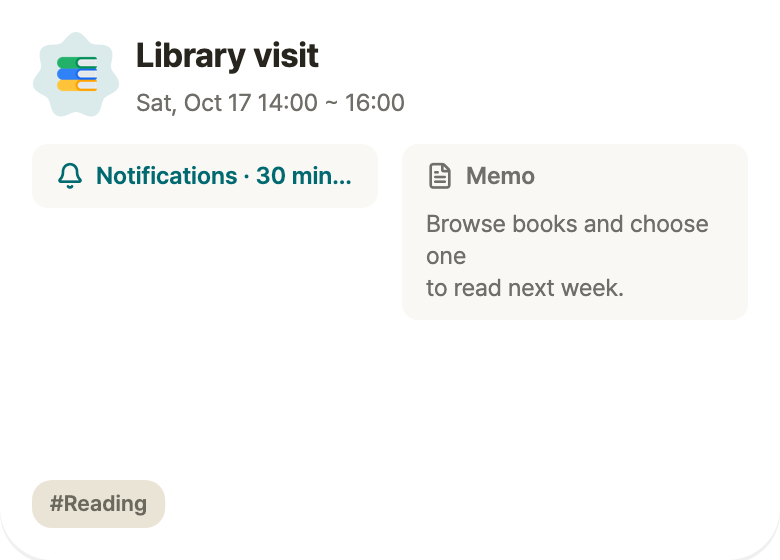
To-dos, routines, notes and events. Use everyday items on their own or bring them together on a board.
To-dos
Routines
Logs
Events
The same day, in five places
iOS · Android · Web · macOS · Windows. All of them shipping today.
Use it on the web →